
Import once, set amounts your way
Paste a recipient list or upload a CSV, then use one shared amount or set a different amount for each row.

Solana batch transfers
Paste a list or upload a CSV. Check addresses, amounts, duplicates, asset rules, and balance before signing each batch in your wallet.
Core advantages
From list import to batch sending, every critical detail stays reviewable, actionable, and under your control.
Paste a recipient list or upload a CSV, then use one shared amount or set a different amount for each row.
Check addresses, amounts, duplicates, asset rules, account status, balance, and estimated network costs before the first wallet prompt.

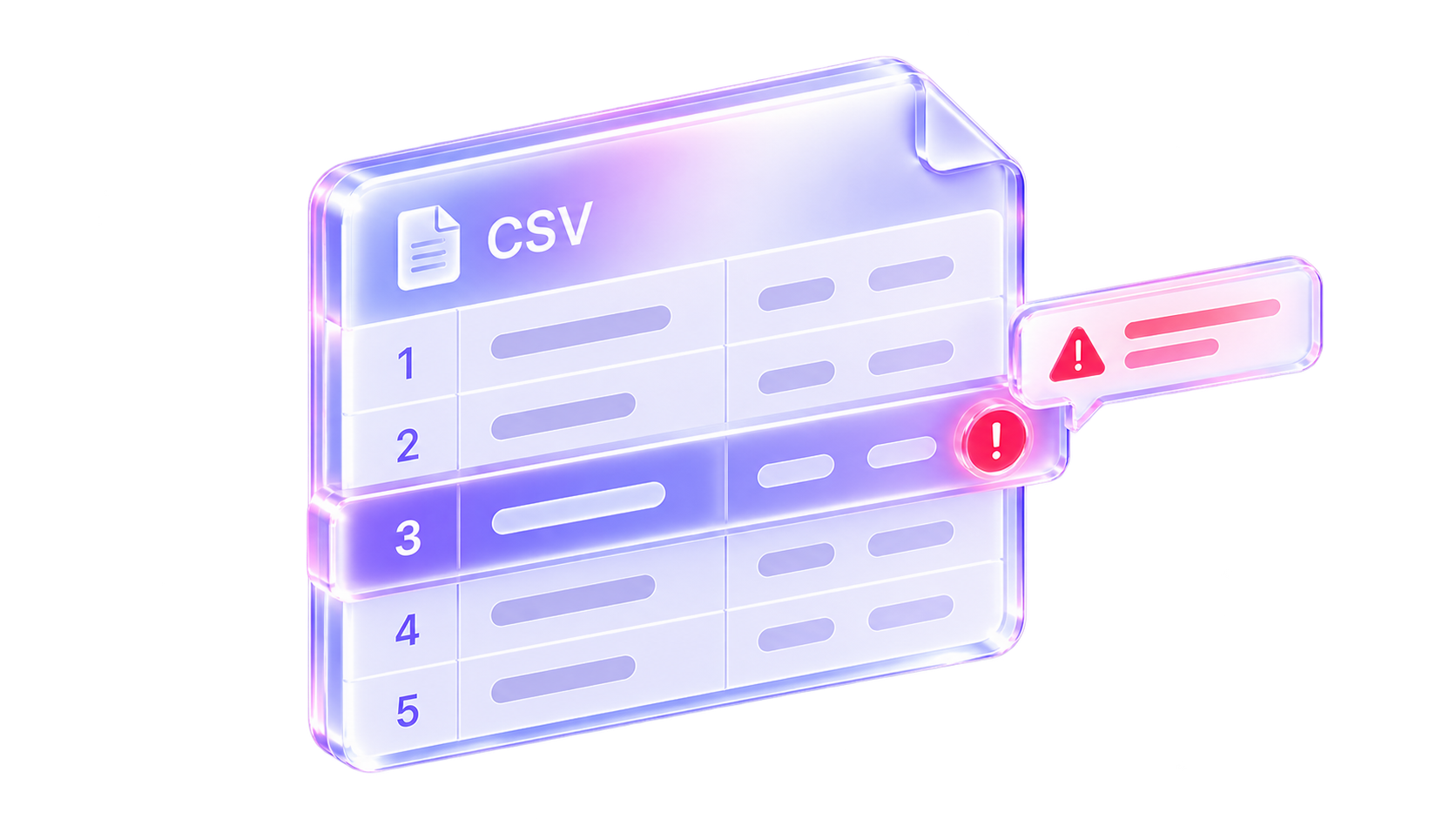
See exactly what needs attention, then fix, exclude, or confirm the row before it enters the final send list.
Review the asset, total amount, and batch plan, approve each batch in your wallet, and track its result.
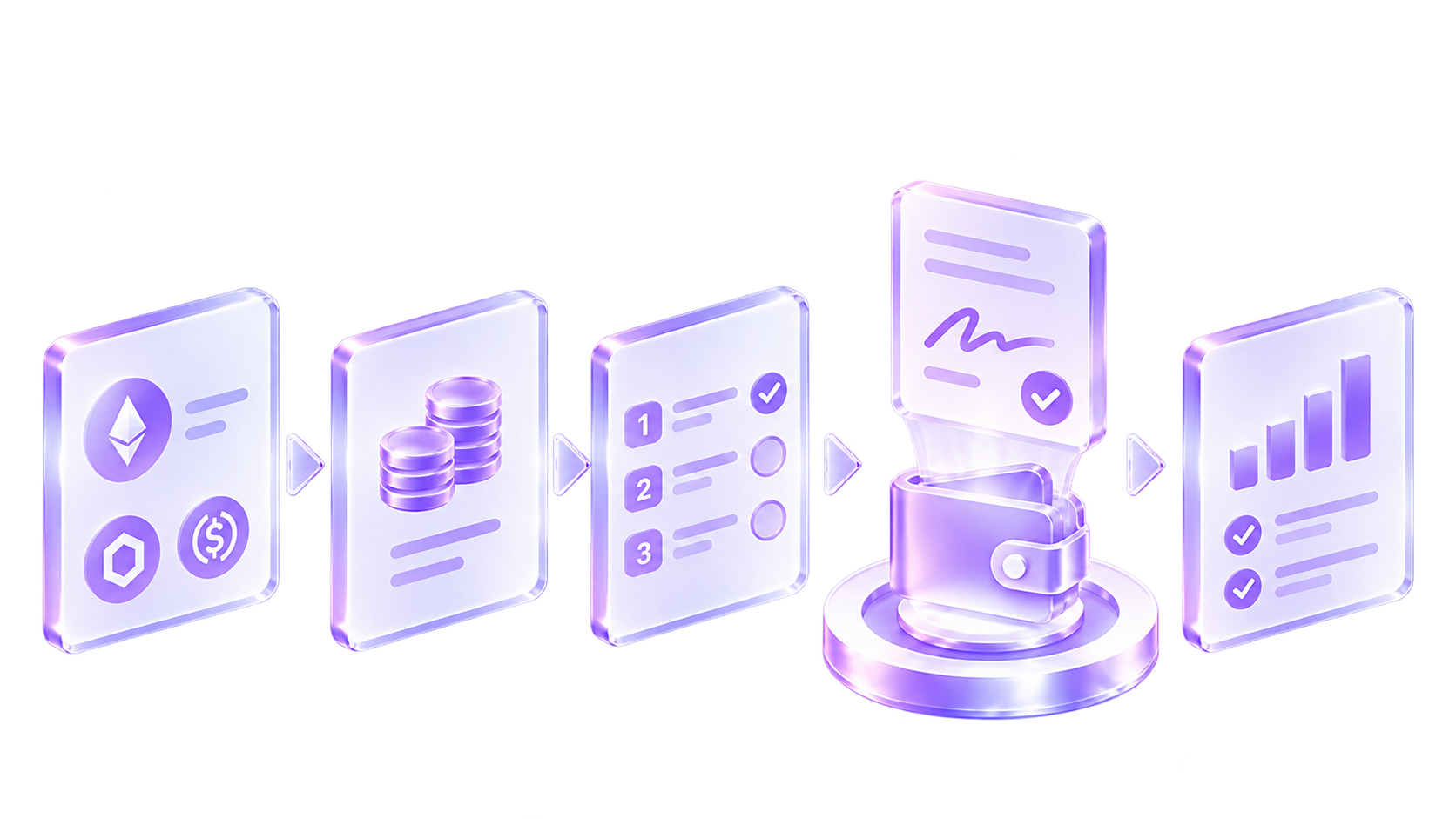
Safer transfers start with a clearer review.
Compare
Compare signature efficiency and recipient-address checks for the same list.
| Feature | TokenMultiSender | Other products |
|---|---|---|
| Signatures required per 1,000 addresses | Only 1 signature | 55 signatures |
| Check invalid address formats | Supported | Supported |
| Check program addresses | Supported | Not supported |
| Check PDA addresses | Supported | Not supported |
| Check token accounts | Supported | Not supported |
| Check frozen accounts | Supported | Not supported |
| Check mint addresses | Supported | Not supported |
| Check multisig addresses | Supported | Not supported |
| Check system addresses | Supported | Not supported |
Data & privacy
Your original file stays in this browser. Address checks send only the addresses needed for chain queries. Send history is stored in this browser and is lost if you clear site data.
Data & feedback
Preview the metrics and comments this section will show once verified product data is connected.
 Alex MorganAirdrop operations
“I used to hunt through a spreadsheet for every bad row. Fixing flagged addresses before connecting a wallet feels much safer.”
 Olivia ReedProject finance
“Seeing the total amount and batch plan upfront means fewer questions when finance reviews the payout.”
 Mia CarterCommunity rewards
“Duplicate addresses are called out immediately, so we no longer compare the entire list by hand.”
 Ethan BrooksClient delivery
“Each batch has a clear status. When a client asks what happened, I do not have to reconstruct it from browser history.”
 Felix WongCampaign execution
“After uploading the CSV, I only work through the flagged rows. The bigger the list, the more time it saves.”
 Jamie ParkContributor payouts
“Keeping the original list in the browser fits our recurring payout process better.”
Yes. After the report is ready, resolve or confirm its findings, then choose Send the ready list to open /send. Connect a supported wallet, review fees, sign, and submit transfers there.
Not for the check. Paste a sender address or skip the balance check. Connect a supported wallet and confirm signatures only when you enter the sending flow.
Paste it, drop a CSV, or choose one — up to 5,000 recipients. For the same amount, use one address per line. For different amounts, put an address and amount on each line.
The preflight is free. The service fee and estimated network fee are shown before you sign.
No. A frozen token account is a current receiving blocker. Exchange labels, PDA/off-curve addresses, and cluster matches are review signals, not proof; they never remove an address automatically.
No. Your file, pasted amounts, and original row order stay in your browser. Only deduplicated addresses are sent to us for on-chain checks and dropped when the check finishes. If you go on to send from here, signed transactions pass through our server on their way to the network — they contain recipient addresses and amounts. We can see them, but we can't change them. There are no accounts or history. A connected wallet only exposes its public address and balances.
Import your recipient list, review address and amount issues, then approve each batch before sending.
Check your addresses